

The problemWhen the face gives the AI away
AI-generated fashion images can get the garment, pose and lighting right while still producing a face that looks artificial.
Generic AI models often smooth out skin texture and lose smaller facial details such as freckles and fine lines. This becomes particularly noticeable in upper-body shots and close-ups.
For fashion brands, these details matter. If the person wearing the garment looks artificial, the entire image can feel less convincing.
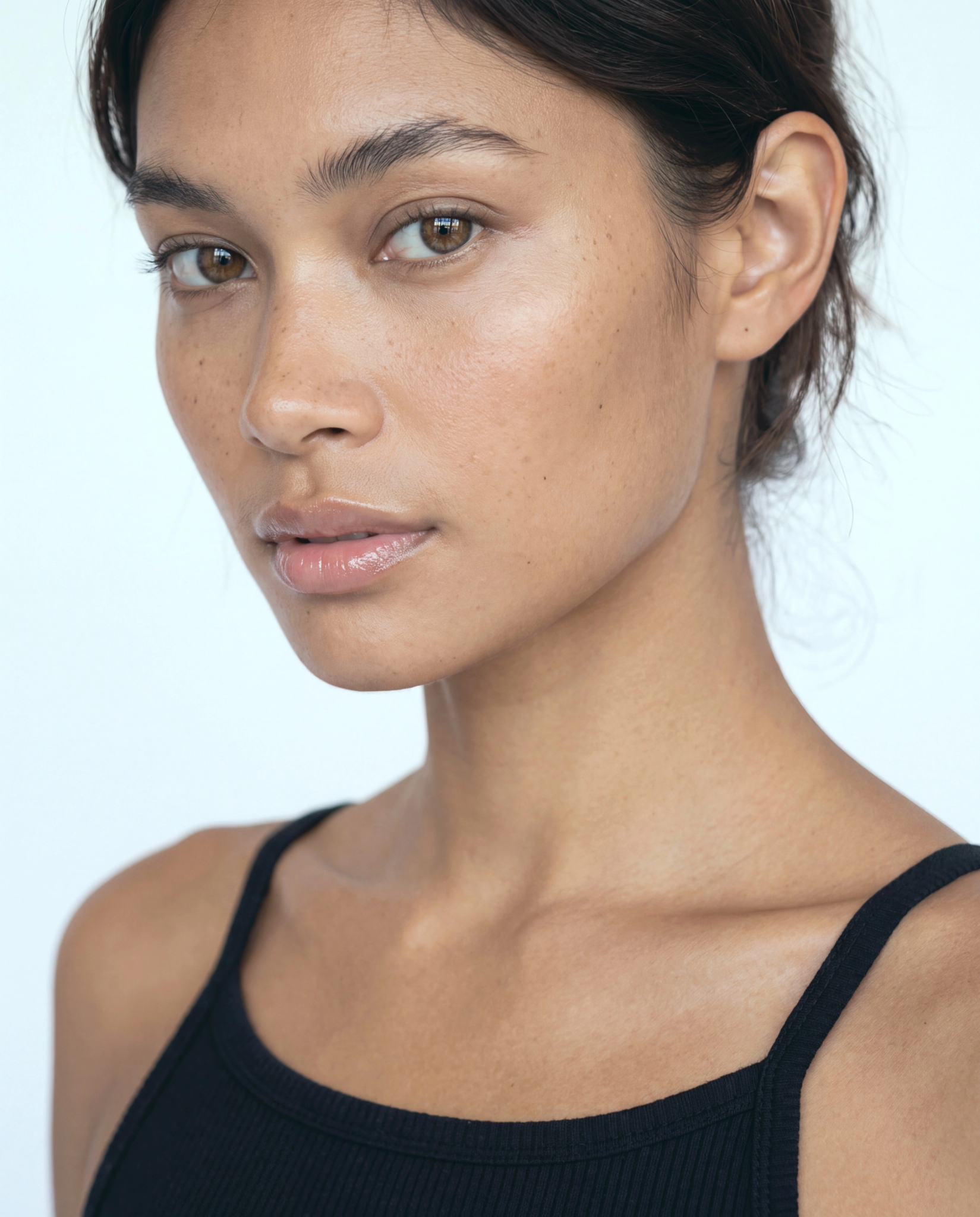 Original Weon model reference
Bringing back the facial details
Weon Studio uses a detailed model reference when generating fashion images. The reference shown here includes the model’s facial features, freckles and natural skin texture.
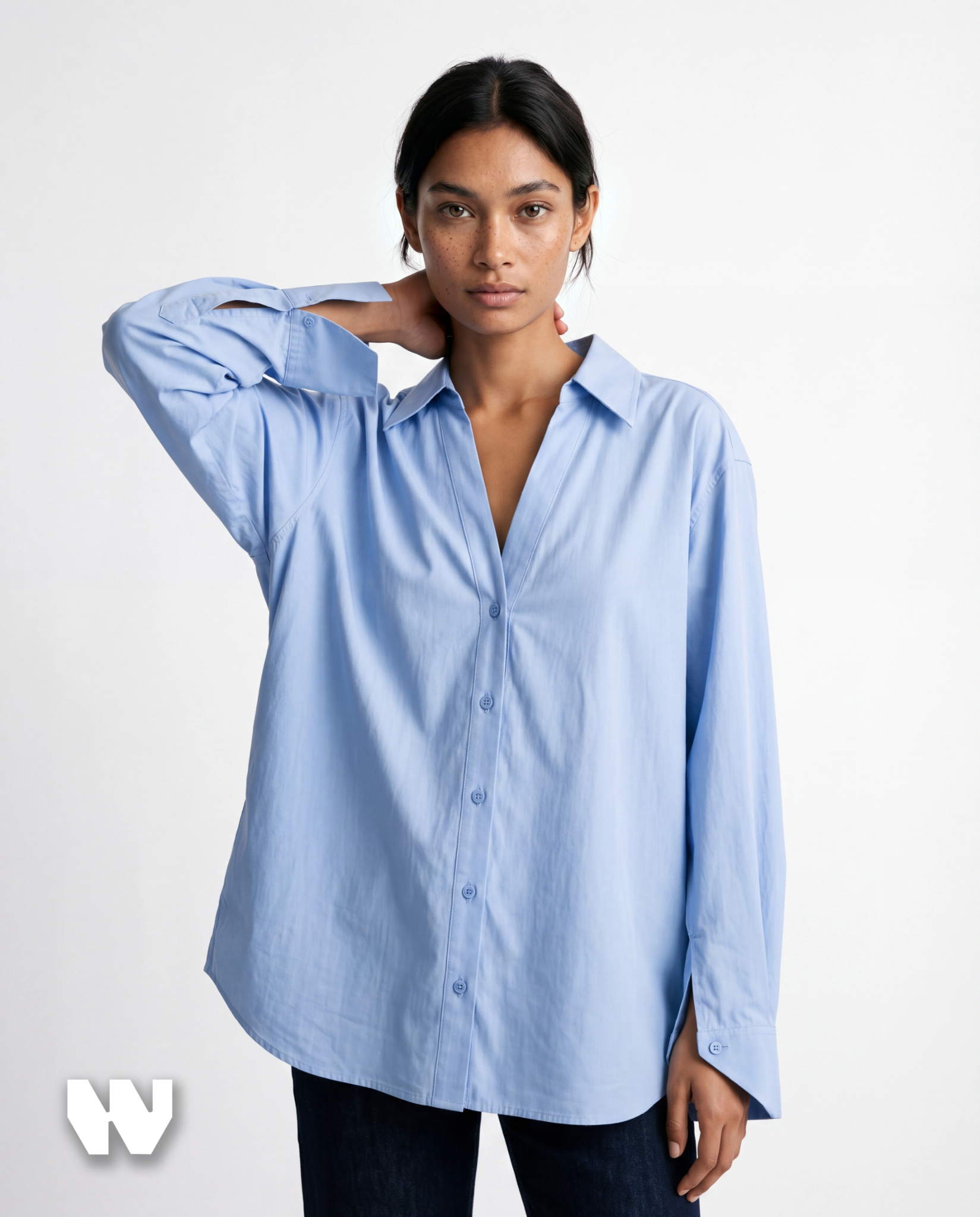
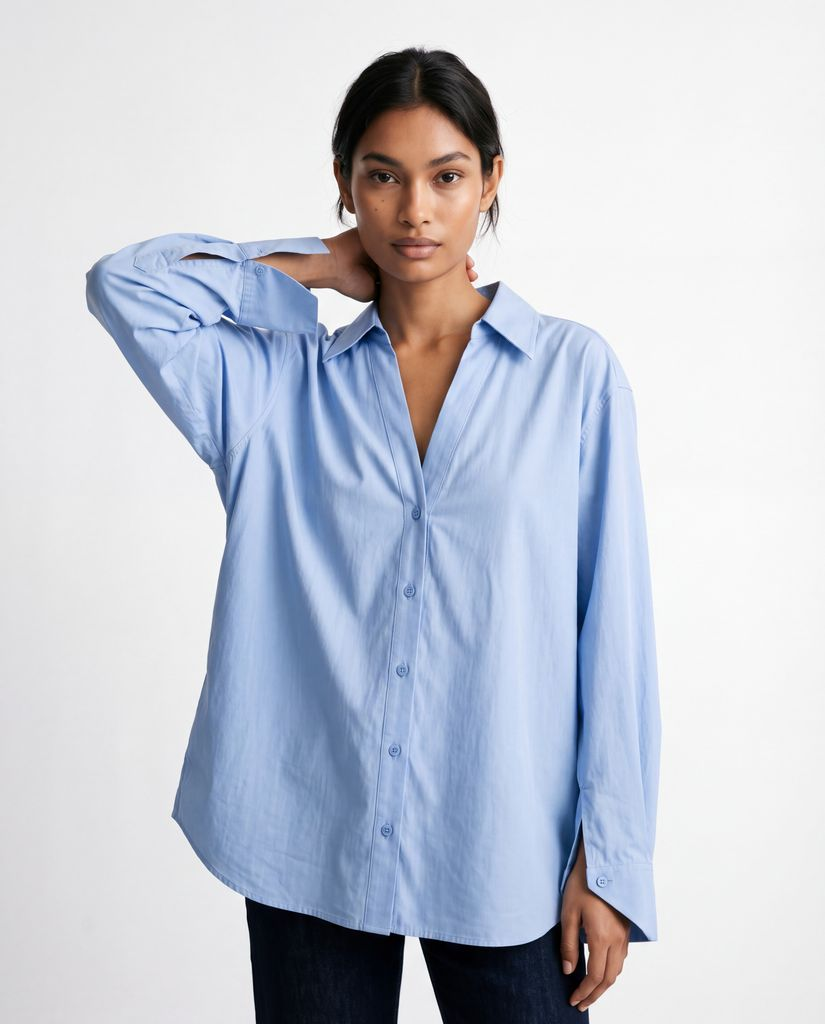
Some of these details can be lost during generation. Weon’s facial-detail tooling refines the generated image to recover more of the model’s original characteristics, resulting in a more natural-looking face.
The seriesKilling the 10 pain points of AI fashion images
One problem per article: why it happens and how Weon Studio handles it. Next up is the same model looks different.
See Weon Studio in action
Book a demo and our team will walk you through the studio. When you start, we’ll guide you until you know the platform.